
Prerequisites
Funds are in beta and enabled per organization. If you don’t see the Funds area under More > Funds, reach out to your Overflow contact to have them turned on for your account. Only Organization admins can create, edit, or archive funds today.How Funds work
A fund is the purpose or designation of a gift. Funds live at the organization level, so a single fund like Missions can be shared across every campus rather than duplicated per location. Funds and locations are independent, so a gift can be to the Dallas campus for Missions. Every fund has two settings that work together:- Lifecycle status: Active, Inactive, or Archived.
- Visible to donors: on or off, only meaningful while the fund is Active.
Create and manage funds
Funds live in More > Funds in the Nonprofit Dashboard.1
Create a fund
Select Create fund, give the fund a name, and choose a default tax deductibility setting. Save to add it to your list.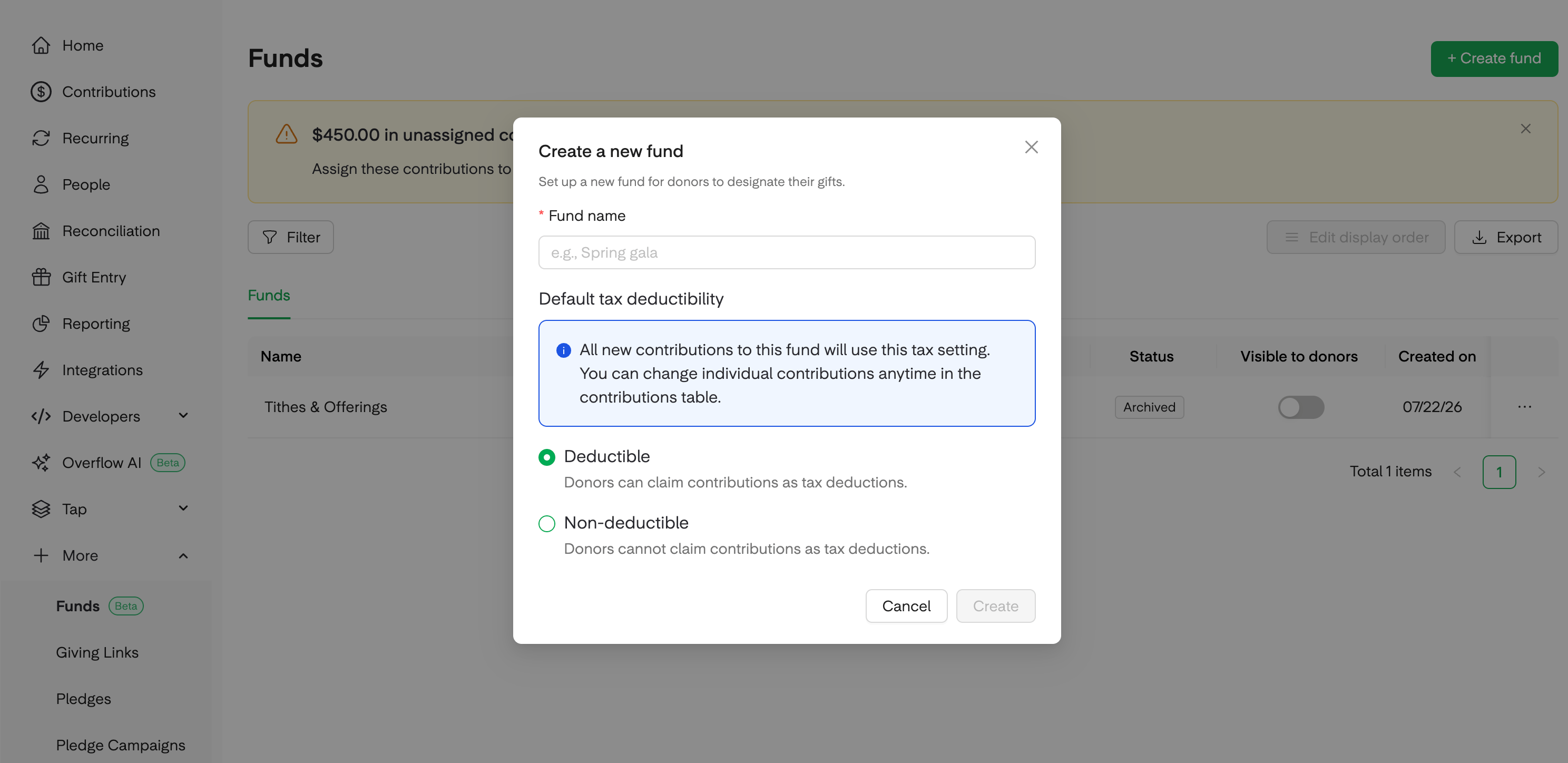
2
Assign the fund to campuses
Open the fund and choose whether it applies to all locations or a specific subset. For example, a Marriage Conference fund can be assigned to only your Salt Lake City campus.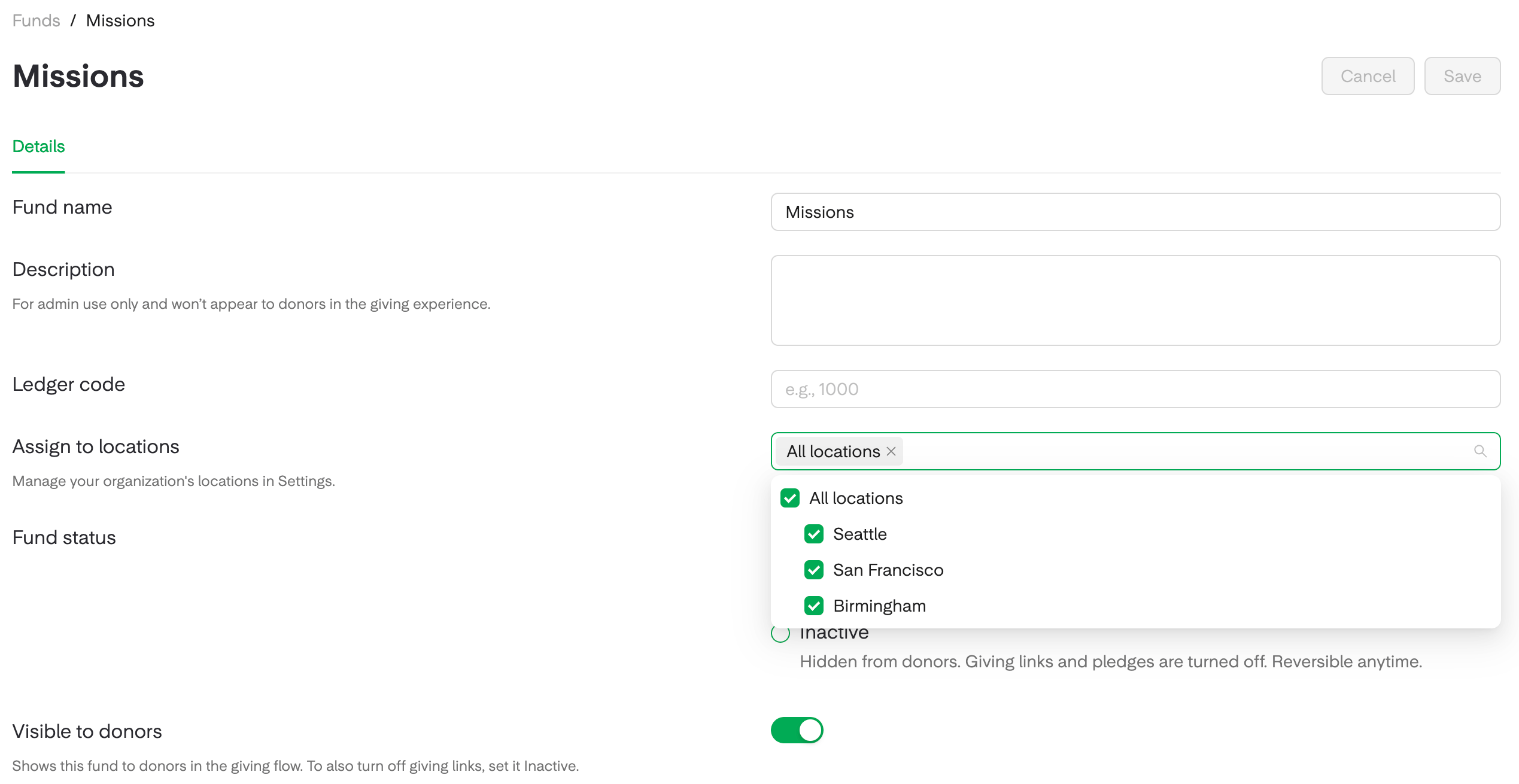
3
Set donor visibility
Use the Visible to donors toggle to control whether donors see and can pick the fund in the giving flow. Keeping a fund Active while Hidden lets a saved giving link keep working even though the fund isn’t featured in the main flow.
4
Pause a fund with Inactive
From the row actions, mark the fund Inactive when a seasonal fund isn’t running. The fund disappears from the donor giving flow, and its giving links and pledge campaigns stop working and show donors a message that the link is no longer available. Reactivate the fund when the season returns and it comes back Hidden by default, so you can review it before showing it to donors again.
5
Archive a fund you're done with
From the row actions, choose Archive when you’re truly finished with a fund. Archiving is permanent by design, so records stay trustworthy, and everything the fund has ever received stays in your reports and history.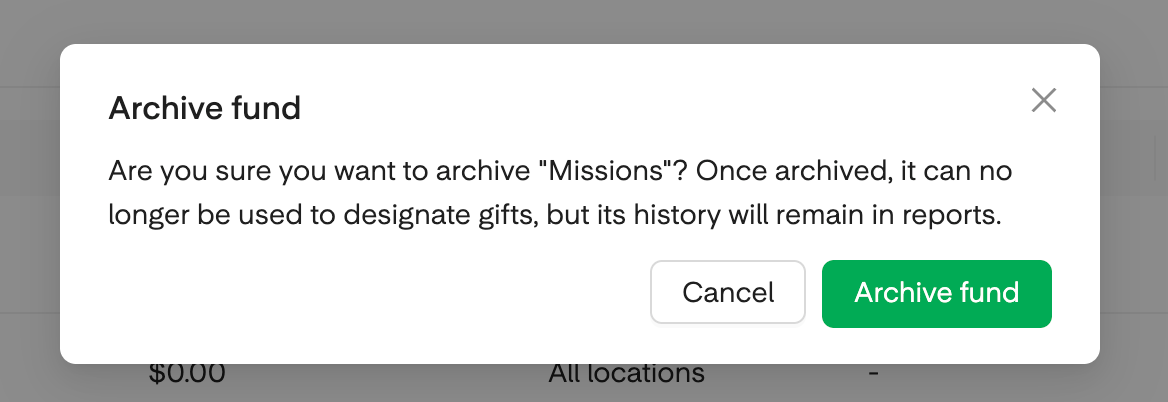
What each state does
Allowed changes: Active can move to Inactive and back, Active can move to Archived, and Inactive can move to Archived. Archived is permanent.
Lifecycle status is set at the organization level, so a fund is either Active, Inactive, or Archived across every campus at once.
Frequently asked questions
How do I pause a fund for the off-season?
How do I pause a fund for the off-season?
Set it Inactive. Donors won’t see it in the giving flow, and its giving links and pledge campaigns will stop working. When the season returns, flip it back to Active and choose when to make it visible to donors again.
Why can't I un-archive a fund?
Why can't I un-archive a fund?
Archive is permanent by design so historical records stay trustworthy. If you need to pause a fund and reopen it later, use Inactive instead.
I hid a fund but its giving link still works. Is that expected?
I hid a fund but its giving link still works. Is that expected?
Yes. A hidden but Active fund keeps its saved links live on purpose so ongoing giving isn’t interrupted. To stop the links from working too, set the fund Inactive.
Can a fund be Active at one campus and paused at another?
Can a fund be Active at one campus and paused at another?
Not today. A fund’s status is set once for the whole organization. To limit a fund to certain campuses, use the location assignment instead.